Step-by-Step System Design
I am a seasoned tech professional with experience in various technology roles and startups. My expertise spans system design, as well as the development of innovative frameworks and servers that drive scalable and efficient solutions. I am passionate about architecting robust systems and thrive in dynamic environments where innovation, problem-solving, and technical excellence are paramount. Alongside my technical work, I also write about life motivation — sharing thoughts that inspire reflection, resilience, and personal growth.
1. Understand the Requirements
Before jumping into design, clarify the functional and non-functional requirements.
Functional requirements:
User registration and login.
Browsing restaurants and menus.
Placing orders.
Real-time order tracking.
Payment processing.
Non-functional requirements:
Scalability to handle millions of users.
Reliability to ensure orders are always processed correctly.
Low latency for a seamless user experience.
2. Define the High-Level Architecture
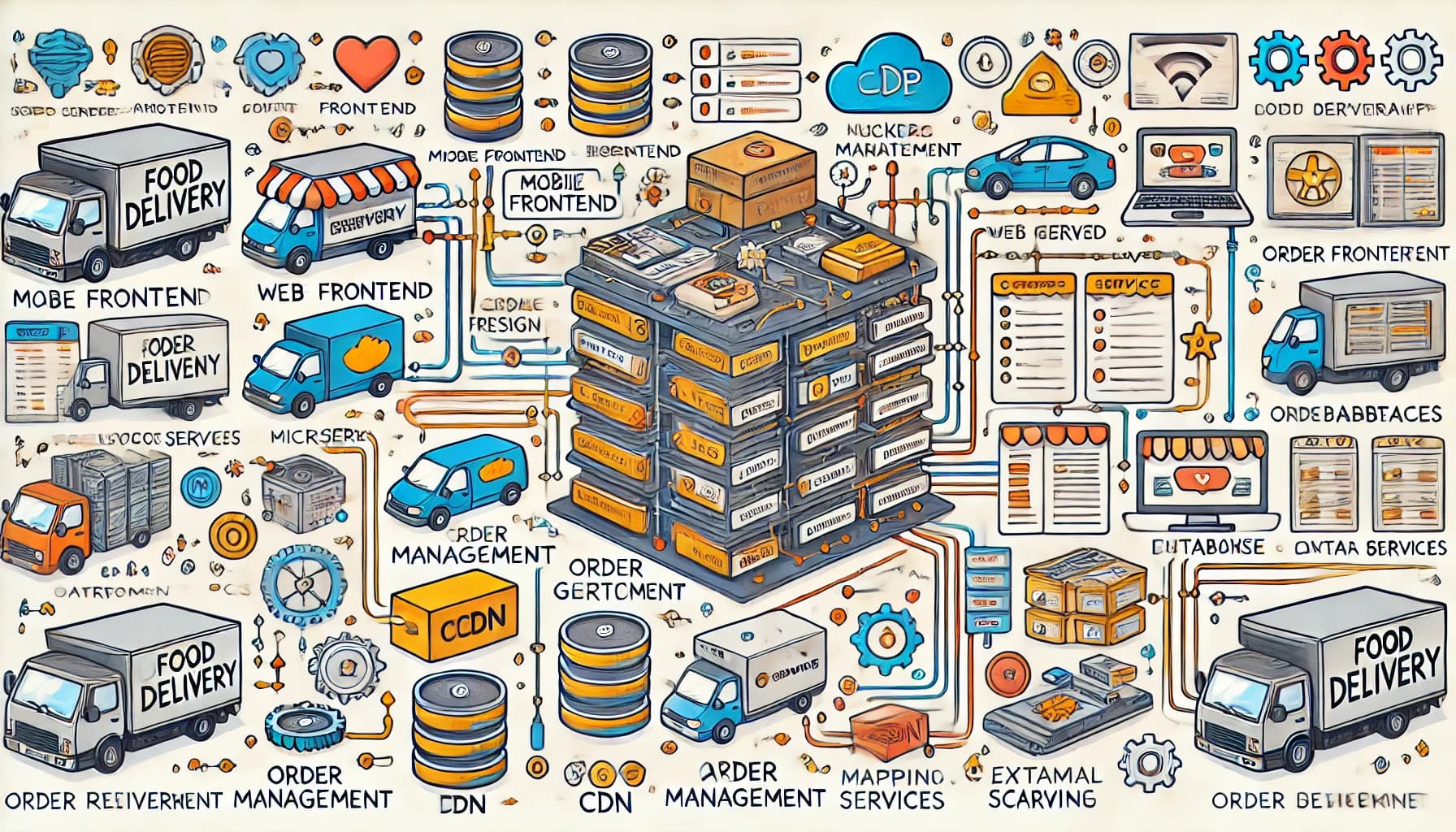
The food delivery app can be divided into several high-level components:
Frontend: The user interface for mobile and web applications.
Backend: The server-side logic that handles requests, processes data, and communicates with other services.
Database: Stores user data, restaurant menus, order history, etc.
Third-party services: For payments, push notifications, and map integration.
3. Break Down the System
a. User Authentication
Use a service like OAuth 2.0 for secure login and registration.
Store user credentials securely using encryption techniques like hashing.
b. Restaurant and Menu Browsing
Use a content delivery network (CDN) to serve static images of restaurant menus quickly.
Implement a caching mechanism, like Redis, to store frequently accessed data and reduce database queries.
c. Order Placement and Processing
Build a microservices architecture to handle different parts of the system (e.g., order service, payment service).
Use a message queue (like RabbitMQ or Kafka) to ensure that orders are processed asynchronously and reliably.
d. Real-Time Order Tracking
Use WebSockets or server-sent events (SSE) to send real-time location updates to users.
Integrate a mapping API (e.g., Google Maps API) for delivery tracking.
e. Payment Integration
Integrate with a secure payment gateway like Stripe or PayPal.
Implement fraud detection mechanisms for secure transactions.
4. Database Design
Design the database schema to ensure data consistency and efficiency. For a food delivery app, consider:
Users table: Stores user details.
Restaurants table: Contains restaurant and menu details.
Orders table: Tracks orders, statuses, and timestamps.
Delivery table: Stores delivery partner information and order assignments.
Use a relational database like PostgreSQL for structured data and a NoSQL database like MongoDB for flexible, hierarchical data (e.g., nested menu items).
5. Scaling the System
As the app grows, you’ll need to handle millions of users and orders simultaneously.
Use load balancers to distribute traffic across multiple servers.
Implement horizontal scaling by adding more servers to handle increased traffic.
Use database sharding to split large datasets across multiple databases.
6. Monitoring and Maintenance
Set up monitoring tools like Prometheus and Grafana to track system performance. Use logging services like ELK Stack for debugging and troubleshooting. Regularly update the system to fix bugs and improve features.
Final Thoughts
System design is a journey of breaking down a problem into smaller, manageable parts. By focusing on clear requirements and thinking through each component step by step, even the most complicated systems become easier to understand.
When designing a system, always consider scalability, reliability, and user experience. With this approach, you can build robust systems that meet the needs of both users and businesses.